
Disclaimer First
I might not have used Bezi perfectly. Some of the friction I hit could be my own fault - I was learning as I went, and the tool has learning curves like anything else. Take this review with that in mind. What you're reading is my honest first impression, not a thorough mastery.
The Code Quality Gap
Here's the thing that made me sit up: I ran both tools on the exact same project - same plan, same prompts, same starting point. No advantages given to either side. Then I had Claude rate the code output of both.
Unity AI's code: 6.5 out of 10.
Bezi's code: 9.5 out of 10.
That's not a small difference. That's the difference between "I can use this with fixes" and "this is production-ready thinking." The code was cleaner, the logic was tighter, the naming made sense. Bezi's output felt like it understood the task, not just responded to it.
The Editor Integration Works
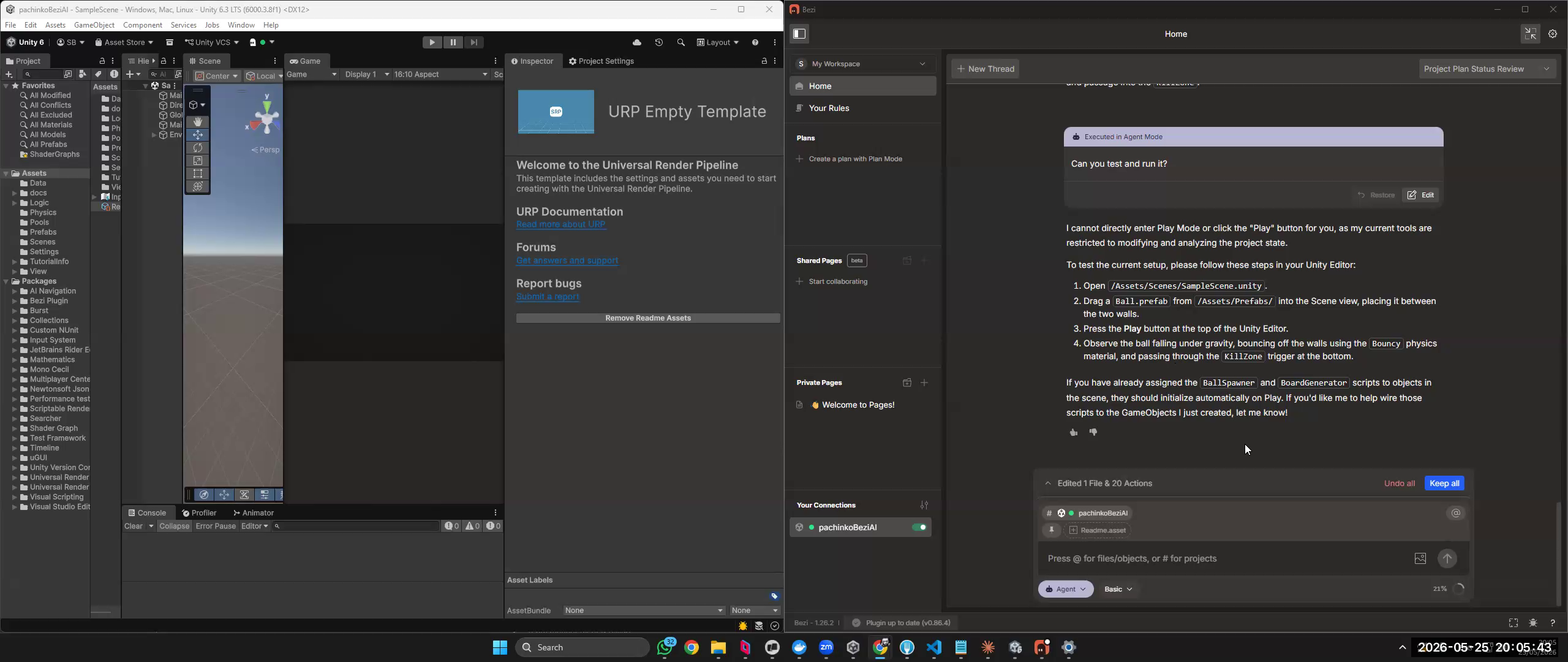
Bezi runs as its own interface - not embedded inside the Unity Editor, but alongside it. I worked with multiple screens, which honestly felt natural: Bezi on one side, Unity on the other. The context switching is minimal and the workflow stays fluid.
One thing I'd love to see: an option to run Bezi directly inside the Unity Editor for those who prefer a single-screen setup. It's not there yet, but it feels like a natural next step for the product. For now, multiple monitors is the way to go - and if you're already set up that way, it's a non-issue.
Try It For Free (No Credit Card)
One thing worth calling out before anything else: Bezi offers a free trial with no credit card required. 100 credits, one workspace, up to 2 pages - enough to genuinely test it and form an opinion.
Compare that to Unity AI, which requires a credit card and auto-renews. The barrier to trying Bezi is basically zero. That matters. You can just go try it right now without committing to anything.
The Play Mode Problem
Here's a limitation worth calling out - and to be fair, it might be an editor issue rather than a Bezi or Unity AI issue. Neither tool could actually hit Play and run the game. They can write the code, set up the scene, wire up the components - but when it comes to entering Play Mode and watching it run, you're on your own.

Bezi works around this gracefully - it gives you clear "Ready to Play" instructions explaining exactly what to do next, which scripts handle what, and how to interact with the scene. Professional, helpful, honest about its limits.
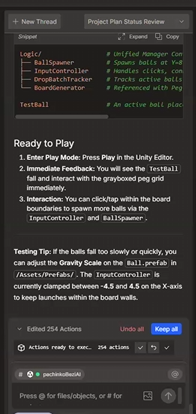
But it's still a handoff. You're the one pressing Play, you're the one feeling whether the physics is right. For a tool aimed at game developers, that gap matters. I'm watching to see if either tool solves this properly.
Token Costs Are Real
Bezi is not cheap on tokens. If you're someone who watches API costs (and you should be), you'll notice. For pure code generation tasks where I just need a function or a script, I'd still reach for Claude directly. The token-to-output ratio is better. And when I want to validate a mechanic before even opening Unity, Three.js is still my first stop.
Where Bezi wins is when you want the combination - Claude-quality thinking wrapped in a tool that understands your editor, your project, your context. That bridging has value. You're paying for the integration, the iteration, the immediacy. For some workflows, that's worth it.
The Team Knows What They're Doing
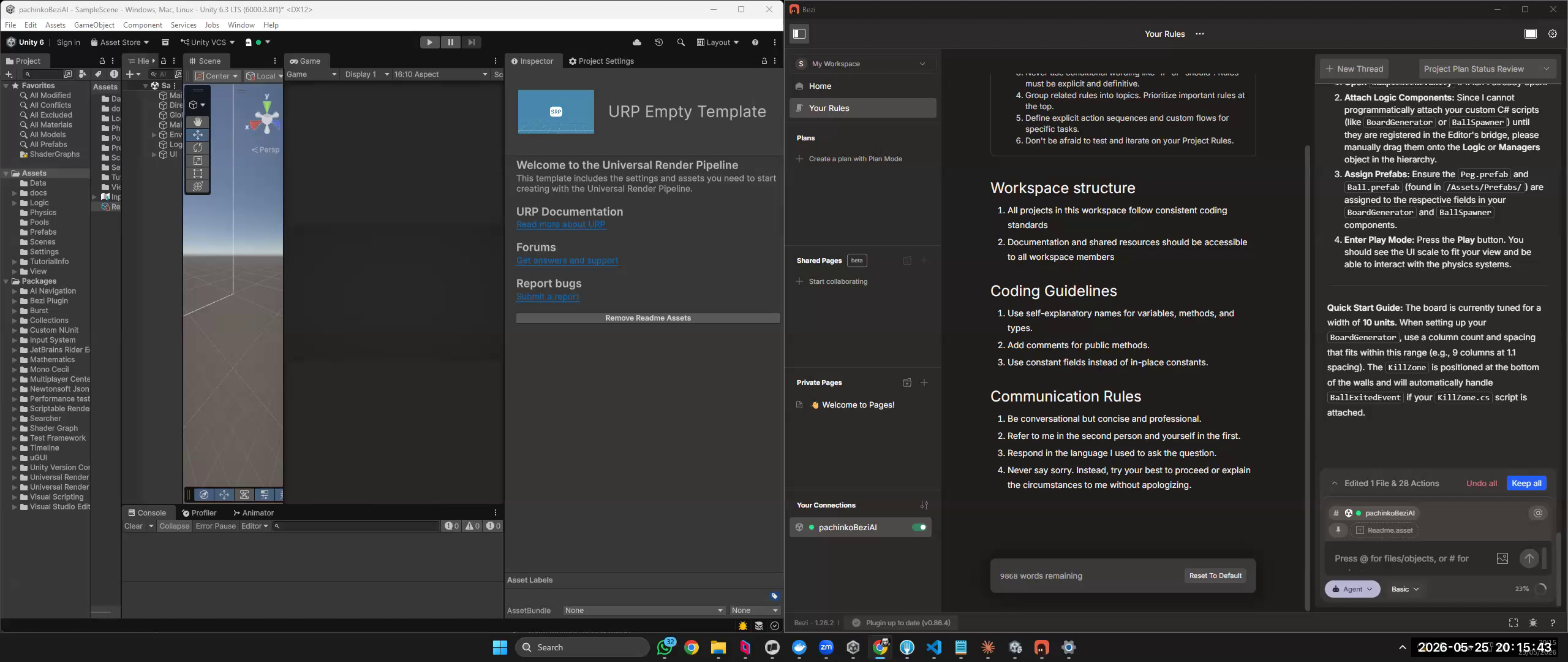
This is the kind of observation you make when you watch how a tool evolves. Bezi's already built something solid, and you can see they have a clear vision for where they're going. The documentation is excellent - not just API docs, but real guidance on how to use AI effectively for game dev. That's rare. Most tools ship the code and leave you to figure out the philosophy.
They're investing in the right things. The pace of updates suggests they're listening. I'm not worried they'll abandon this. This feels like a team that's committed.
Not My Daily Driver (Yet)
I'm not switching to Bezi tomorrow. Not for my own work. The token costs, the moments where the UX tripped me up, the fact that I'm still faster with Claude for my personal workflow - those are real constraints.
But I'm genuinely unsure if that's about the tool or about me. I'm used to doing everything myself - writing code, reading docs, managing people and managing AI directly. Bezi requires a different mode of thinking. That might just be a ramp.
Honest Verdict: Worth Trying, Especially for Students
Here's my real endorsement: I'm giving it to my students. Not as a requirement. Not as the official tool. But as an option, with "go try this" energy.
Some of them will prefer the guided, integrated approach. Some will love that it keeps them in the Editor. Some will find the code quality alone is worth the token cost. And that's a genuine recommendation - I don't throw tools at my students lightly.
For you? If you're someone who:
- Spends hours in the Unity Editor and wants your AI tool there with you
- Values code quality over token efficiency
- Likes more structure and guidance in your AI workflows
...you should absolutely try Bezi. Spend an afternoon with it. See if it clicks.
If you're someone who:
- Scripts in bulk and ships fast
- Lives in your IDE/text editor
- Optimizes hard for token efficiency
...you might find it adds friction. But you might also surprise yourself.
Leading the Unity AI Race
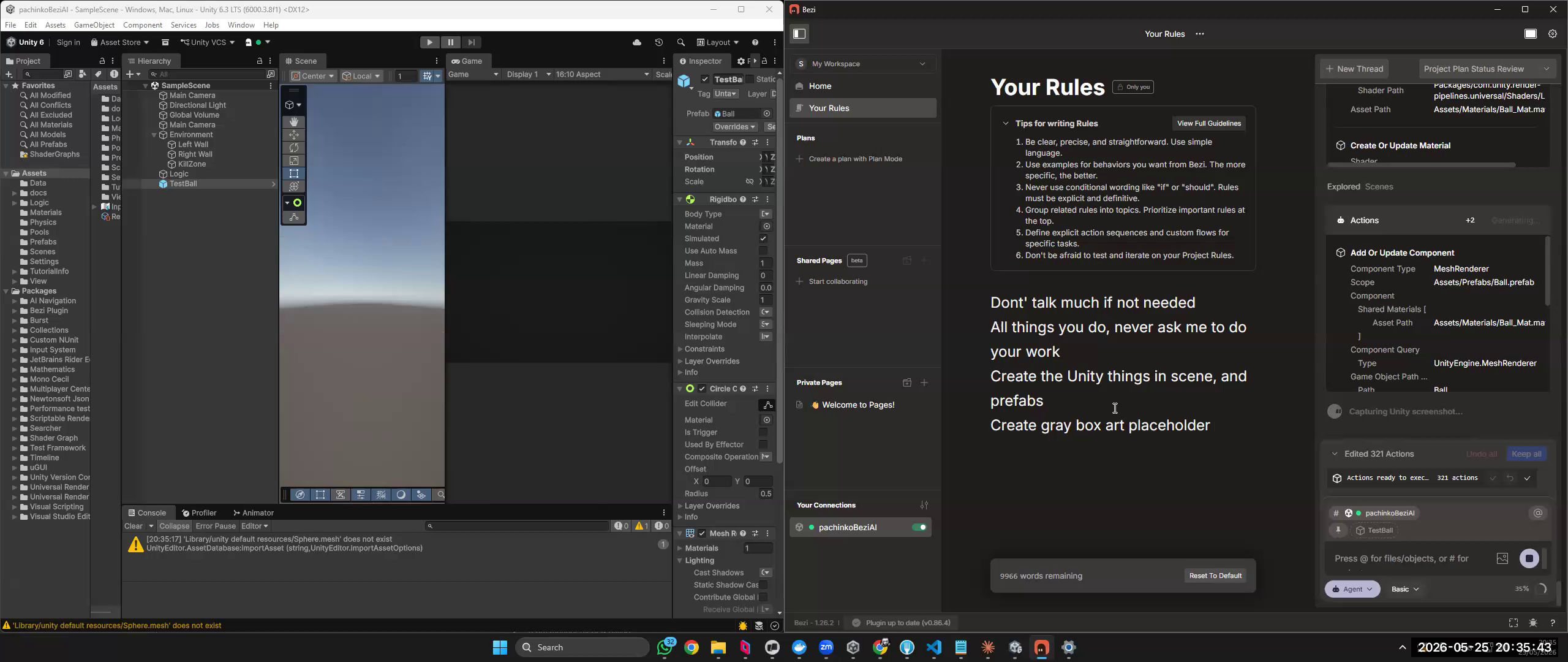
In the limited testing I've done, Bezi's the best Unity-specific AI tool I've used. I haven't tested every option out there, so take that with the scope it deserves. But of what I've seen, they're ahead.
That matters. Unity needs good AI tooling. Bezi is making that happen.
A Word on AI Tools in General
Here's something I try to remind myself and my students: every AI tool right now is still being baked. None of them are fully done. Bezi included. That's not a criticism - that's just where we are with this technology. The ones worth paying attention to are the ones that are clearly heading somewhere, and Bezi is heading somewhere good.
I'll Be Watching
I'm not done with Bezi. I'll keep using it, checking in on updates, handing it to students, and watching it grow. When it gets better - and it will - I want to be someone who already knows how to use it well.
Try it. Form your own opinion. And if you discover something I missed, I genuinely want to hear about it.