I'm on a mission to figure out how to build games effectively without spending hundreds of dollars a month on AI subscriptions.
While I use Claude heavily for my professional day job, my approach completely changes when I clock out and switch over to my personal indie projects. I definitely don't have it all figured out, but over the last few months, I've been piecing together a completely free, open-source AI tech stack.
This is very much a learning journey for me, but I wanted to share the exact setup I'm currently using and experimenting with, layer by layer.
1. The Core Editor: OpenCode
OpenCode is an open-source, terminal-based AI coding agent, and it's my main tool right now when I sit down to actually write code.
What I like about it: zero vendor lock-in. Instead of being tied to a paid ecosystem or a specific web interface, I use a clean terminal (I recommend Warp) that connects directly to my codebase. It reads, writes, and edits my files directly. Because it's model-agnostic, I can plug in whatever free APIs or local models I'm currently testing out.
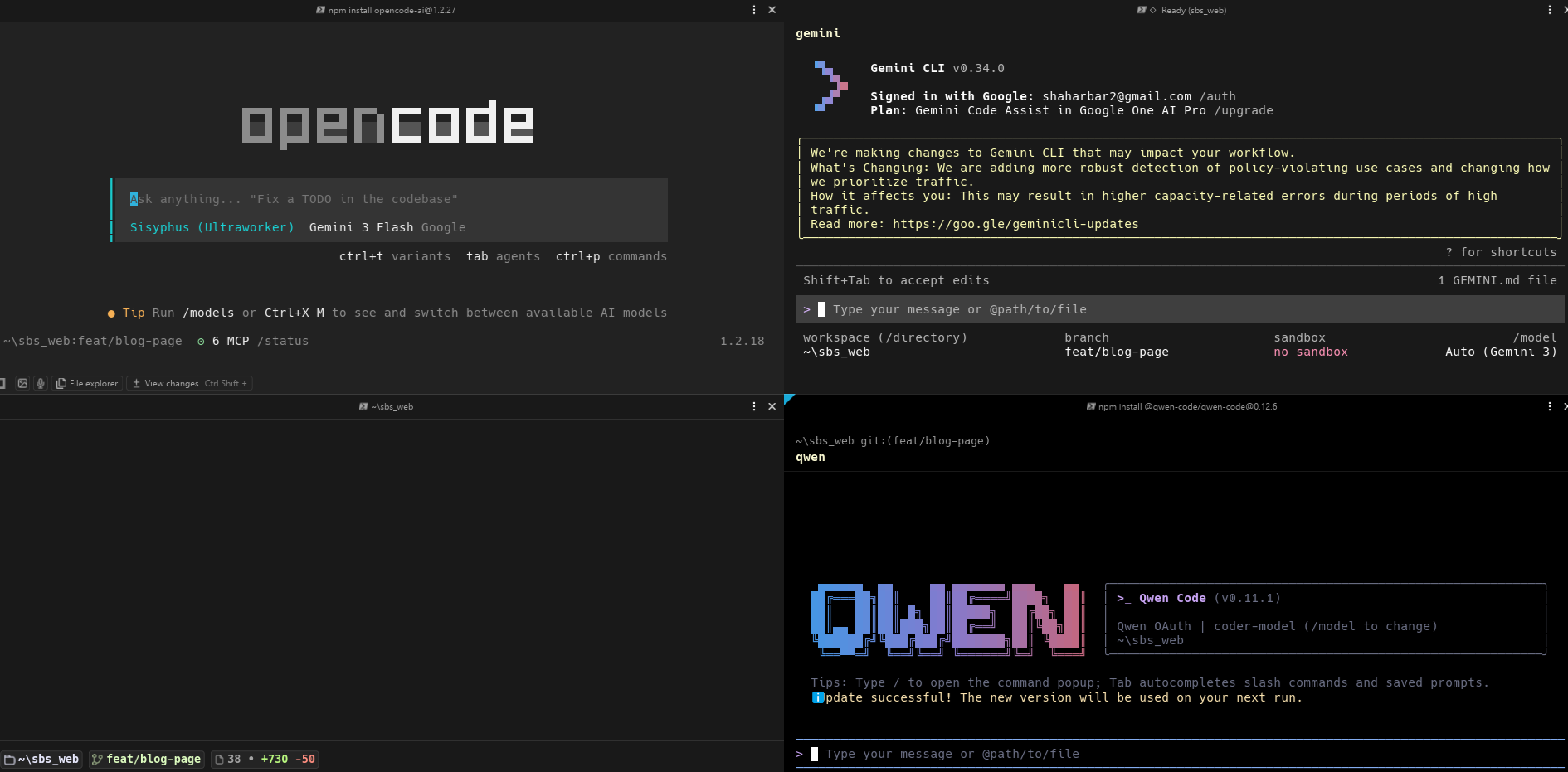
The screenshot above shows my actual daily setup: OpenCode on the left, Gemini CLI top-right, and Qwen Code bottom-right - all running in the same project simultaneously.
2. Managing Tasks: Oh My OpenCode
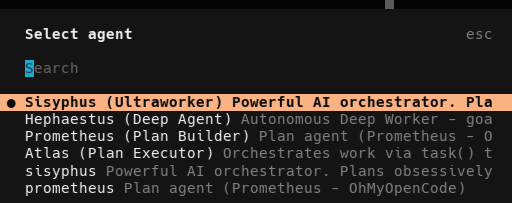
OpenCode is a solid starting point, but I've been using the Oh My OpenCode framework to manage multiple agents at once.
Rather than guessing my way through prompts, I'm practicing with Oh My OpenCode to generate detailed plans first-breaking game mechanics down into micro-tasks before I write any C#.
A Helpful "Token Saver" Habit: I've found that having the AI constantly update our text-based task list makes development much smoother. If I hit a context limit or need to step away for the night, I have a perfectly preserved "save state." The next day, I feed that updated list back into the AI, and we pick up exactly where we left off. It is a simple trick, but it's saved me hours of frustration.
3. The Engines: Local Models & Free Tiers
Because my editor lets me bring my own models, I'm running my entire setup for free using a mix of local hardware and free cloud tiers:
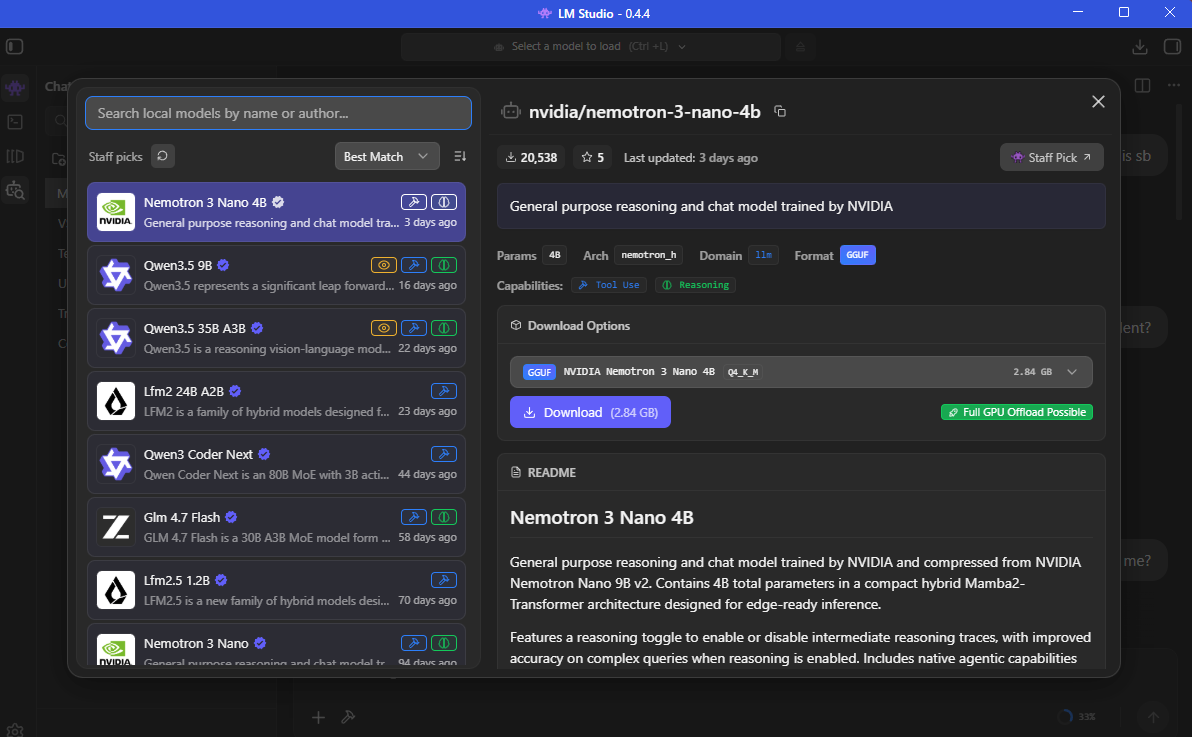
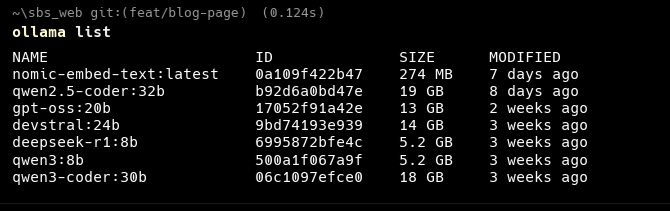
- The Local Fallback Strategy: I use LM Studio and Ollama, desktop apps that let you run large language models locally. This lets me route open-weight models like Qwen directly into my agents. This is crucial for my workflow. When I run out of tokens on a free cloud API, or when I just need the AI to handle a small, simple task, I don't waste my cloud limits. I just connect OpenCode straight to my local models and keep working. It keeps the momentum going without ever hitting a paywall.
- Free Chat Tiers: For massive context windows or when I need to brainstorm, I still rely on the free tiers of Gemini or ChatGPT. They're perfect for bouncing around raw mechanics, dialogue, and lore ideas before I commit them to my design documents.
⚠️ A note on free model tiers and your data: Free API tiers - including Google Gemini's free tier and similar offerings - may use your prompts and inputs to improve their models. This means any code, game logic, or design ideas you send to these services could potentially be reviewed or used for AI training. Always check the privacy policy of each provider before connecting them through OpenCode or any other agent.
The safest option for sensitive or proprietary work is local models (LM Studio / Ollama). Since everything runs on your own machine, your data never leaves it. For indie game side projects, free cloud tiers are generally fine - just avoid pasting in anything you'd consider a trade secret or that belongs to your employer.
4. Connecting to Unity: MCP & UI Toolkit
Integrating AI directly into Unity takes some work, but here's the pipeline I'm using to keep things stable:
- Model Context Protocol (MCP): I'm using MCP for Unity to connect my AI agents directly to the Unity Editor. It acts as a secure bridge, letting the AI interact with my environment and manage assets without breaking my scenes.
- The UI Toolkit Trick: If you're using AI to build interfaces, I highly recommend ditching the old Canvas system. I strictly use Unity's UI Toolkit now. Since it's driven by UXML and USS (basically HTML and CSS), text-based LLMs understand it perfectly. My agents can generate responsive game menus and HUDs much more reliably this way.
5. Generating Art: ComfyUI
For game assets, I run ComfyUI locally on my PC. It's a node-based interface for running image generation models like Stable Diffusion to create 2D art and textures.
I'm currently learning how to use my AI coding agents to edit ComfyUI logic directly, since the workflows are just saved as JSON files. I'm having the AI write the node flows, automate my generation pipelines, and script the downloading of specific models and LoRAs to match my game's visual style.
The Next Steps on This Journey
These free tools are incredible for prototyping and getting a core game loop running for $0. But knowing what tools to use is only the beginning. The real challenge is figuring out how to prompt them, chain them together, and build production-ready architecture.
I'm still learning every day. Because I couldn't find a practical, start-to-finish guide on connecting all these open-source tools for game development, I decided to build one myself. If you want to learn alongside me and see exactly how I integrate these workflows into actual, playable games, check out our Vibe Coding course.
This post was written with the help of Claude, Gemini, and ChatGPT - practicing what we preach.