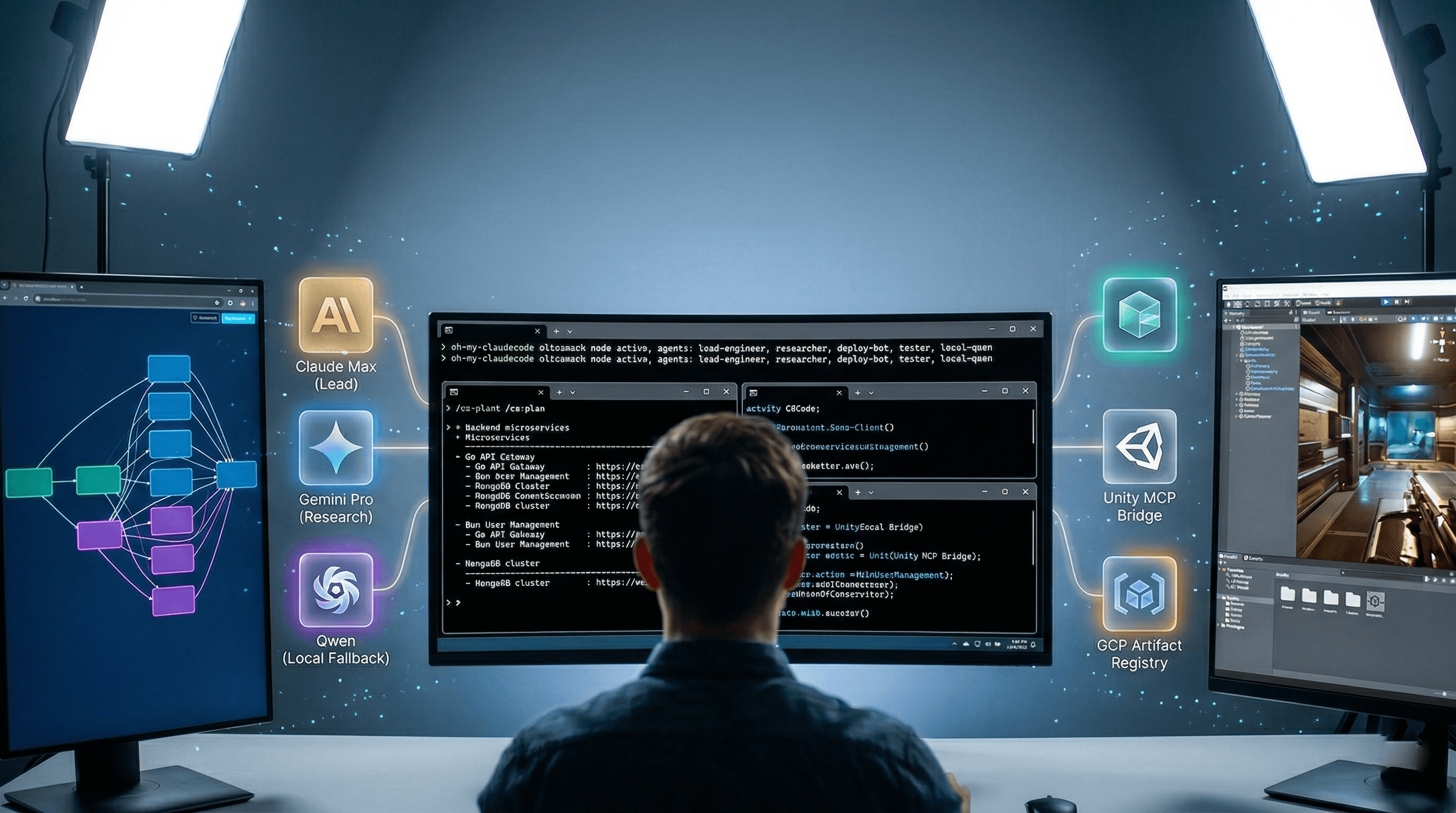
For my professional work setup, I am currently building the tech stack of my startup from the ground up. This includes a heavy backend architecture mixing TypeScript, Bun, and Go, alongside MongoDB databases and Telegram bots. But a major focus is also on the actual Unity game clients that connect to this backend.
I definitely don't have it all figured out, but over the last few months, I've been piecing together a heavily automated, terminal-first AI tech stack to manage this chaos.
This is very much a learning journey for me, but I wanted to share the exact setup I'm currently using and experimenting with, layer by layer.
1. The Pre-CLI Phase: The 5-Minute Brain-Dump
Before I even open a terminal to write code, everything starts in the browser. Managing a platform of this scale requires extreme clarity, but I've stopped wasting time typing out rigid design documents.
Instead, my true first step is a voice prompt using Gemini.
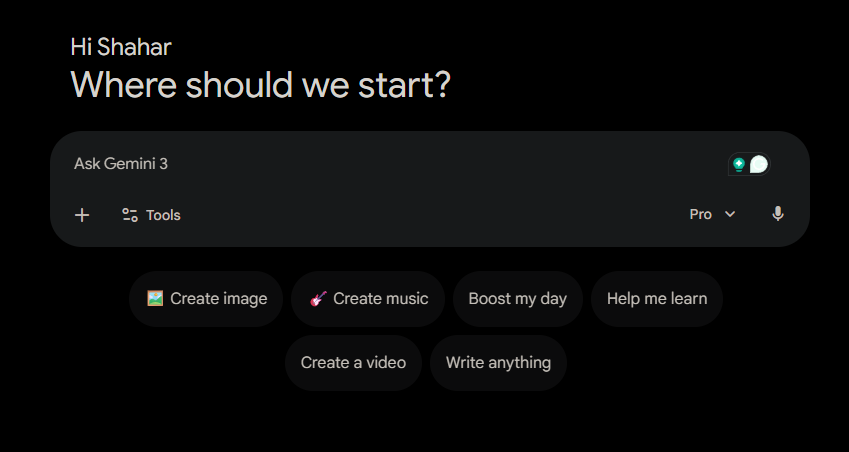
What I like about it: I literally just hit record and talk at it for about 5 minutes straight. I brain-dump the entire problem space-the service interactions, the edge cases, and what I want the final system to look like. Gemini absorbs this stream-of-consciousness audio, researches the gaps, and hands me back the exact, highly detailed technical prompts I need to take into the terminal.
2. The Core Engine: Claude Code & Compound Engineering
Once the design is locked in, I move to my terminal (I use Warp). My main tool right now when I sit down to actually write code is Anthropic's premium Claude Max tier running the Claude Code CLI.
But Claude alone isn't enough. I heavily rely on the Compound Engineering (CE) plugin to keep the AI from acting like a one-off code generator.
It enforces a strict loop that I follow for almost every feature:
/ce:brainstorm: Explores the specific requirements and edge cases inside my actual codebase./ce:plan: Maps out the exact execution steps across my Go and TypeScript codebase./ce:work: Executes the code generation safely./ce:compound: The most important step. Every time we fix a routing issue or a runtime quirk, CE permanently documents that learning into the project's memory. The AI actually learns my platform and never makes the exact same mistake twice.
The Parallel Execution Habit: To handle the massive scale of this platform, I don't just run one instance. I open multiple parallel terminal tabs and run isolated Claude Code instances simultaneously. While one agent is building the admin UI, another is handling DevOps pipelines, a third is wiring up the chat backend, and a fourth is pushing Unity UI changes through MCP - all at the same time. It is literally a virtual engineering team running in my terminal.
3. The Engineering Toolbelt (Plugins & MCP)
To keep these parallel terminal instances executing reliably, I am currently experimenting with a specific stack of plugins and MCP servers:
- The Guardrails (
superpowers): This plugin runs alongside CE. It enforces strict Test-Driven Development (TDD) and systematic debugging, forcing the AI to verify its work rather than just guessing at fixes. - The Engine Bridge (
unity-mcp): Even when I am working heavily on the backend, my platforms inevitably connect to game clients. I use Ivan Murzak's Unity MCP to let Claude reach directly into the Unity Editor to orchestrate client-side changes autonomously. - The Automation: I also plug in
playwrightfor autonomous browser testing,commit-commandsfor automated Git workflows, andclaude-hudto give me a clean status line of what the AI is doing.
4. Custom Skills: Deployments, Testing & Headless Unity
You can't just unleash AI on a production GCP environment and hope for the best. I'm currently learning how to teach Claude my exact workflows by writing my own custom AI skills (saved as markdown files in ~/.claude/skills/).
I separate my testing, deployments, and engine automation into their own dedicated files so the AI doesn't get overwhelmed:
-
Automating Deployments: I have skills like
deploy.mdthat teach Claude how to trigger my custom CLI commands. For example, I can type: "build prod, branch master, update minor version," and Claude triggers my 900-line PowerShell script to build Docker containers and push them to the GCP Artifact Registry. The skill is even programmed to pause and ask me clarifying questions if I forget a parameter. -
Dynamic Testing: I use skills like
global-test.mdto teach Claude how to spin up dynamic test environments and run my Bruno API collections before allowing a deployment to proceed. -
Headless Unity: Claude also uses these skills to reach into Unity headlessly. Instead of manually clicking through the Editor, I can prompt Claude to "Generate a new InventoryData ScriptableObject, add 5 weapon slots, and attach it to the Player prefab," and it will execute the exact C# Unity CLI methods required to do it in the background.
5. Multi-Model Routing: AGENTS.md
Relying entirely on a single cloud provider means you are at the mercy of their uptime.
Because I need a fallback strategy, I keep an AGENTS.md context file in the root of my workspace. This acts as the routing logic for my multi-agent pipeline. It contains explicit instructions for the AI. For example, a rule might look like this:
"If the user asks for high-level lore or world-building, route the prompt to Gemini. If the prompt requires executing a bash script, use Claude. If the API times out, immediately fallback to local Qwen."
If an API goes down, or if I have a specific task better suited for another model, this file gives my terminal the exact rules needed to seamlessly switch over. The workflow doesn't stop; it just reroutes.
The Next Steps on This Journey
This field moves fast. Plugins I relied on six months ago have already been replaced by better ones. Workflows I thought were solid needed to be rethought entirely.
The real challenge isn't setting up the tools - it's keeping up. Staying curious, rebuilding habits, and constantly asking: is there a smarter way to do this now?
If you want to stay ahead of the curve and learn how to build production systems with this kind of terminal-first AI workflow, check out our Unity Intermediate Course.
This post was written with the help of Claude, Gemini, and ChatGPT - practicing what we preach.