I've been "vibe coding" entire games in Unity for a while now-I actually teach a full masterclass on how to do it. But recently, I found myself asking a new question: how well does my terminal-driven AI workflow translate to a completely different game engine?
To test this, I decided to run an experiment: build a full Flappy Bird clone in Godot 4.4 with AI as my sole pair programmer.
I didn't want a simple physics demo. I wanted the full modern mobile treatment-meta-progression, a coin economy, a shop with cosmetics, difficulty scaling, and parallax backgrounds.
While my AI orchestration stack is battle-tested for my professional Unity work, letting it drive Godot from scratch was a completely new frontier for me. Over two intense sessions, I pushed the limits of this setup to see how far we could get before things fell apart.
Here is exactly what the setup looked like, what worked, what broke, and why this experiment actually changed how I view different game engines.
1. The Setup: A Virtual Studio in the Terminal
Before I wrote a single line of GDScript, I set up my orchestration environment. I used Anthropic's Claude Code CLI, but the secret weapon was the oh-my-claudecode plugin.
For those who haven't used it, this plugin acts as an orchestration layer. Instead of relying on one AI chat window to guess its way through a project, it lets you route different tasks to specialized AI "workers." I essentially created a tiny virtual studio.
We broke the game down into 20 discrete tasks-ranging from building the JSON SaveManager, to wiring up the coin economy, to coding the slide-in achievement toasts. Each task went through a strict cycle:
- Spec Agent: Designs the API and architecture.
- Implementation Agent: Writes the actual GDScript and scene files.
- Review Agent: Audits the code for bugs before moving on.
Midway through, I also connected the Godot MCP Server (using Anthropic's Model Context Protocol) so the AI could actually run the project headlessly and read the console output.
2. What Worked: The AI as a Senior Architect
I expected the project to collapse under its own weight around task 10. Surprisingly, the AI got a lot of complex systems right on the first try.
- The Architecture Held Up: The AI built a single
GameManagerautoload singleton, used signal-based decoupling between the UI and gameplay, and maintained a strict scene-per-entity structure. It survived all 20 features without needing a refactor. - Platform-Aware Design: Because I specified we were targeting HTML5 Web Export, the AI made brilliant engine-specific choices. Instead of writing to the web's IndexedDB on every single coin pickup (which causes massive write storms and lag), it proactively built a buffered save system that only flushed data at the Game Over screen.
- The Review Cycle: Having a separate AI agent review the code caught real bugs. It noticed when the Shop's API contract was violated and flagged a race condition where a Tween animation could overlap with a
kill()call.
3. The Blindspots: Where Vibe Coding Broke
While the systems code was incredible, the AI hit a brick wall the second it had to deal with runtime states. It failed in two very distinct ways:
- Blind Scene Editing (A Spatial Failure): The AI agents were editing Godot
.tscnfiles by hand in the terminal. Because they lacked all spatial awareness of the viewport, they set the medal sprite and the score label to the exact same Y position, causing overlapping UI bugs. - The "Variant" Inference Trap (A Static Analysis Failure): This was a completely different type of blindspot. Godot's strict static typing caught 8 different bugs the AI reviewer missed. The AI didn't realize that methods like
JSON.parse_string()return aVariantin Godot 4.4. Because the AI was doing static code review instead of runtime testing, these strict warnings-as-errors crashed the game until I used the Godot MCP to let the AI read the runtime logs. - The Integration Fail: The AI built a beautiful
DifficultyManagerthat scaled the pipe gap perfectly as your score increased. The problem? The actual pipe scene had a hardcoded 200px gap. The AI reviewed the code perfectly but completely failed to verify that the physical collision shapes actually used the data.
4. Visual Polish & The CI/CD Pipeline
You can have the most sophisticated achievement system in the world, but if your game looks like a programmer art fever dream, the "vibe" is completely ruined. Visual quality isn't a nice-to-have; it's load-bearing.
Once the systems were built, I had Claude write Python scripts (specifically using the Pillow imaging library) to generate simple but cohesive pixel-art sprites-think clean geometric shapes, clear pipe textures, and a recognizable bird silhouette-and wire them into the scene nodes.
Let me be incredibly clear, though: while the output was a massive step up from placeholder rectangles, the art still completely lacks a unique style or soul. If this experiment taught me anything about game aesthetics, it's that there is currently absolutely no replacement for a dedicated art person working alongside the AI to give a game actual character and vision.
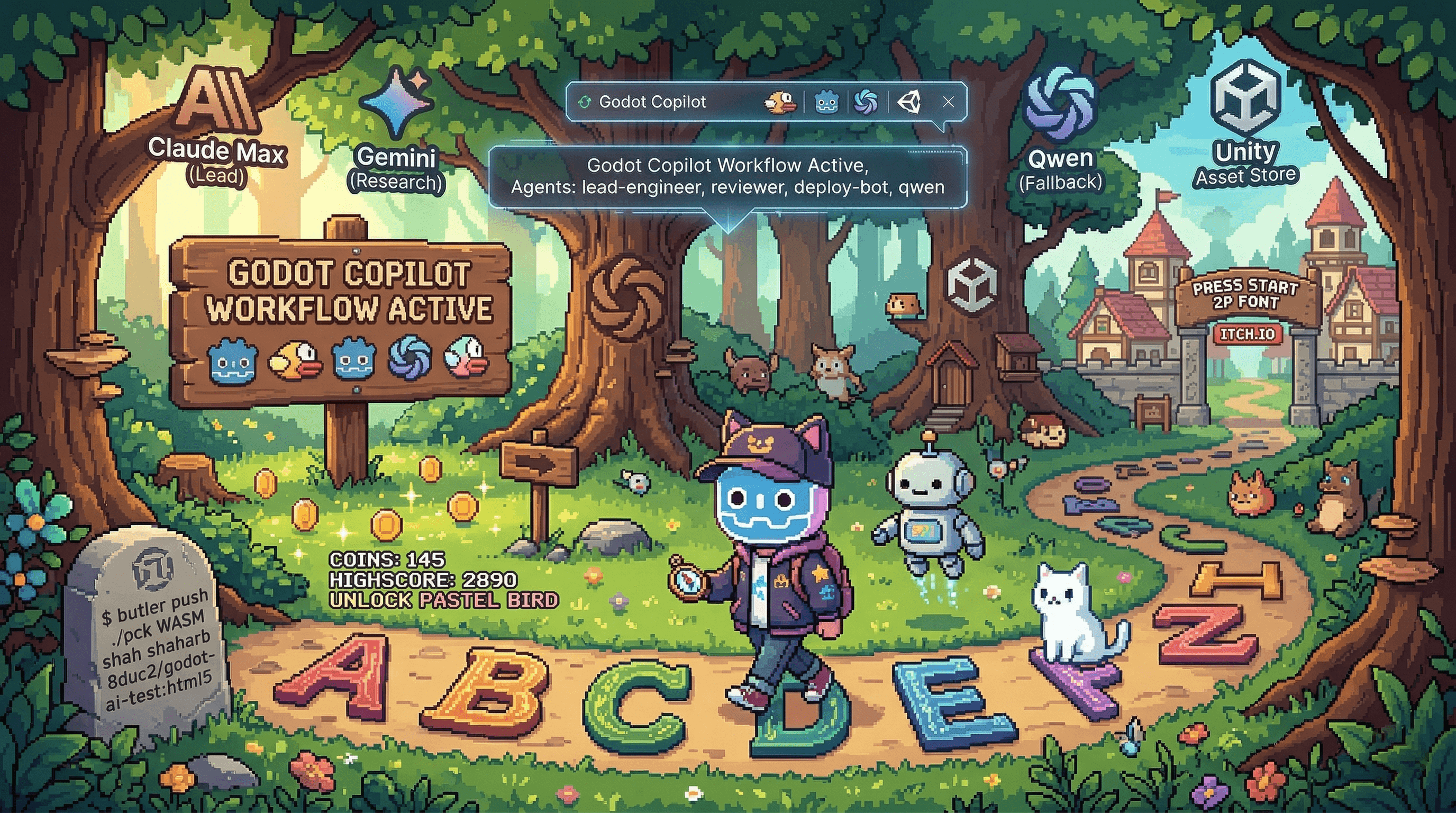
A Helpful CI/CD Habit: I fully automated the deployment. I taught the AI to trigger a headless Godot export directly from the CLI and use butler push to ship the .pck (Godot's packaged game files) and WASM binaries straight to itch.io. The game went from a terminal prompt to a live, playable web game in minutes.
The Honest Verdict: Godot vs. Unity
After building this from A to Z, I came to a surprising conclusion: Godot is currently the absolute best game engine for working with AI. Because Godot's .tscn scene files are purely text-based and its ecosystem is deeply integrated with lightweight scripting (GDScript), LLMs can read, understand, and manipulate Godot projects with a level of native fluency that is incredibly hard to achieve elsewhere. It is the ultimate "vibe coding" engine right now.
However... I still strongly prefer Unity for my professional game development. While Godot is amazing for rapid AI prototyping, Unity's mature ecosystem, massive asset store, depth of third-party middleware, and proven deployment pipelines are still unmatched for scaling a professional, commercial product.
AI is essentially a very fast, very knowledgeable junior developer who can't see the screen. It is a massive force multiplier for boilerplate and systems code, but it doesn't replace a solid engine architecture or a human designer's eye.
The full source code for this project is available on GitHub.
This experiment was built on the exact same workflow foundations we teach in our vibe coding course. If you want to step out of the browser and learn how to build these automated pipelines yourself, check out Itay's masterclass.