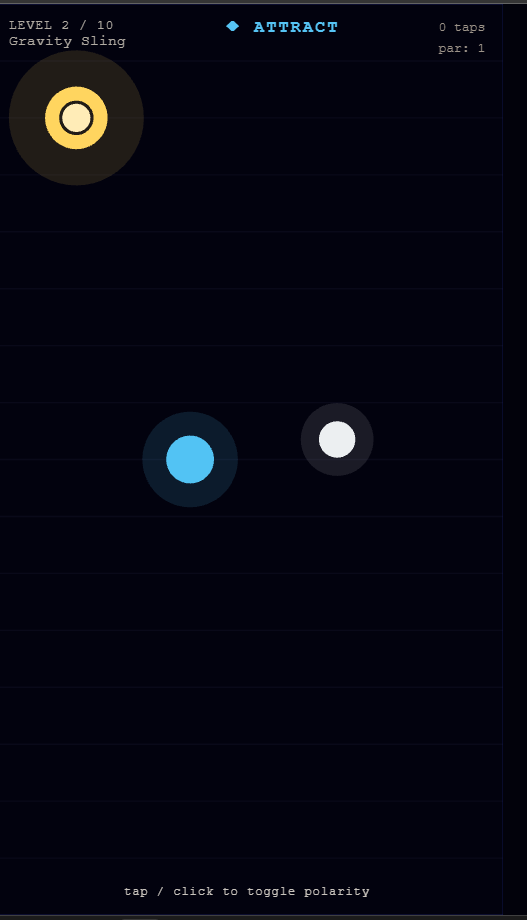
Yesterday (May 8, 2026), I did a live, unscripted experiment to build a 2D hyper-casual magnetic puzzle game in one hour using Unity 6. I used a dual-tool strategy: Unity AI Assistant for the scene and hierarchy, and Claude Code for the architecture and scripting. Claude is already fantastic for code; what I actually need is an AI for the visual side - the scene, the prefabs, and the project editor.
To be fair, the friction I experienced might be my fault. I might not have used the tool correctly, and it's possible I simply expected too much from it for a one-hour session.
At 38 minutes in, I asked: "If Claude is doing all the actual work, why am I even running Unity AI Assistant?" After an hour of testing the assistant (as it exists in May 2026), I still don't have a good answer.
The Biggest Workflow Problem: The Missing Loop
The biggest workflow problem: I couldn't get Unity AI Assistant to run Play Mode, react to what it saw, and fix its own mistakes. I simply didn't manage to make it go into Play Mode autonomously.
Because of this, every time it changed something, I had to:
- Manually hit Play to see the result.
- Watch the scene myself.
- Manually describe the failures back to the AI so it could try to fix them.
For game dev, where you need to iterate on "feel" every 30 seconds, this workflow is just broken.
Why It's Frustrating to Use
Constant Clicking: Every tiny move - like saving a file, taking a screen capture, or moving an object - requires you to click "Approve". You spend more time being the AI's clerk than actually developing.
Sloppy Defaults: It wrote OnTriggerEnter scripts that defaulted to string-tag-based dispatch instead of component-based or layer-based filtering - an anti-pattern most Unity devs drop in week two.
No Clean Architecture: It ignored namespaces and made bulky MonoBehaviours that did way too much.
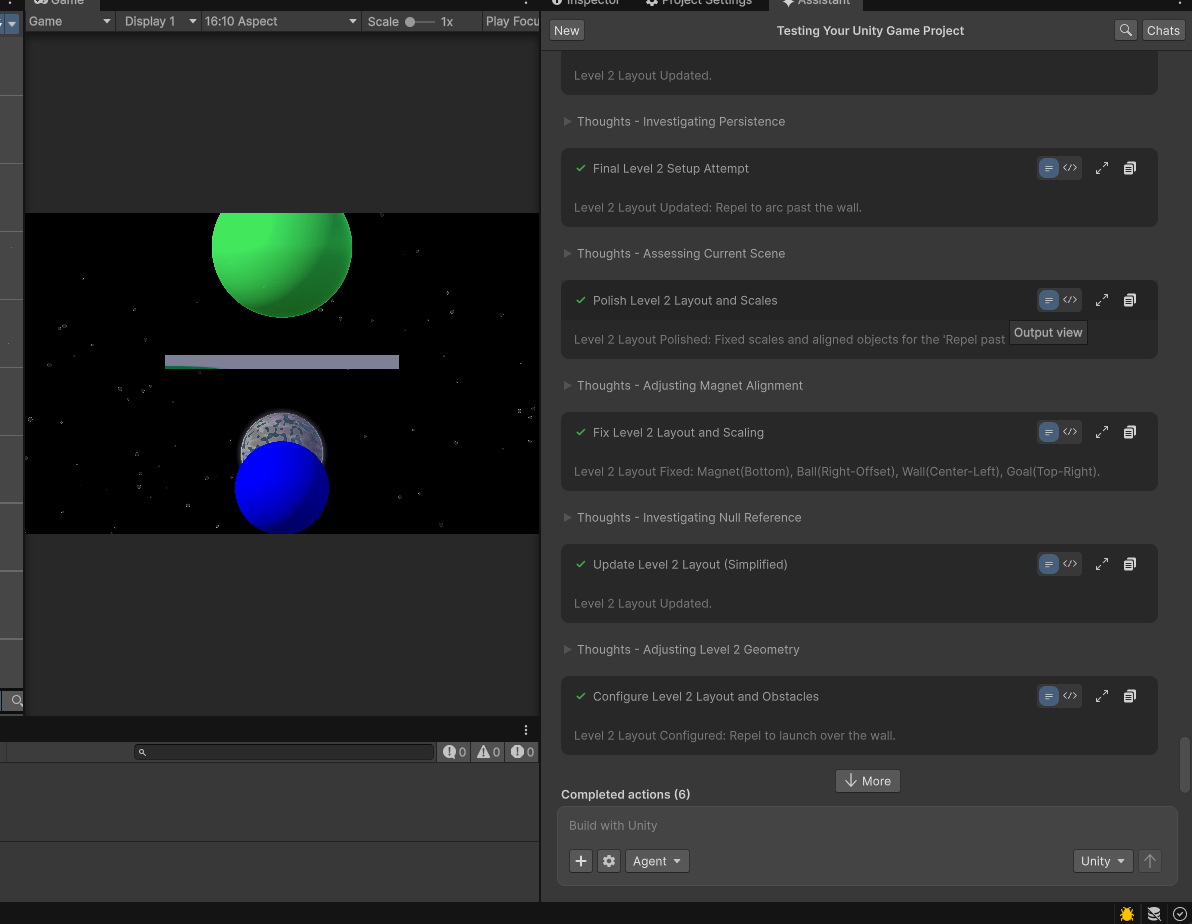
Bad Scaling: It kept making planets and magnets at weird sizes that didn't fit the screen. I had to give it extremely precise instructions just to get a basic layout.
The Reset Loop: The most demoralizing moment of the session happened more than once. The assistant would build out a scene, get surprisingly close to something usable - and then, without warning, delete every object in the hierarchy and start from scratch. No explanation. No error. Just gone. Then it would build again, almost get there, and wipe it again. Watching 10 minutes of work disappear in a loop is not a workflow. It's a slot machine.
What Actually Worked: Claude + MCP
While Unity's own tool struggled, Claude Code actually got things done. For my setup, I used Claude Code alongside the Rider IDE for scripting, while relying on a separate terminal for git and agent orchestration.
I connected Claude directly to the project using Ivan Murzak's Unity MCP - which was just a single openupm add command. Claude was then able to:
- Plan the architecture properly.
- Write clean, namespaced C#.
- Manage git commits by domain.
- Follow specific rules I set in a
CLAUDE.mdfile.
The Verdict
Unity AI Assistant is currently half a tool. It's okay if you want a heavily supervised assistant for one-off tasks like adding a Rigidbody2D.
But for building levels or writing production-quality code, it's just not useful yet. If you're looking for better AI tooling in 2026, stick to Claude Code with a project-specific CLAUDE.md. Until then, I have an answer to my own question: I'm not running Unity AI Assistant. I'm running Claude Code.